
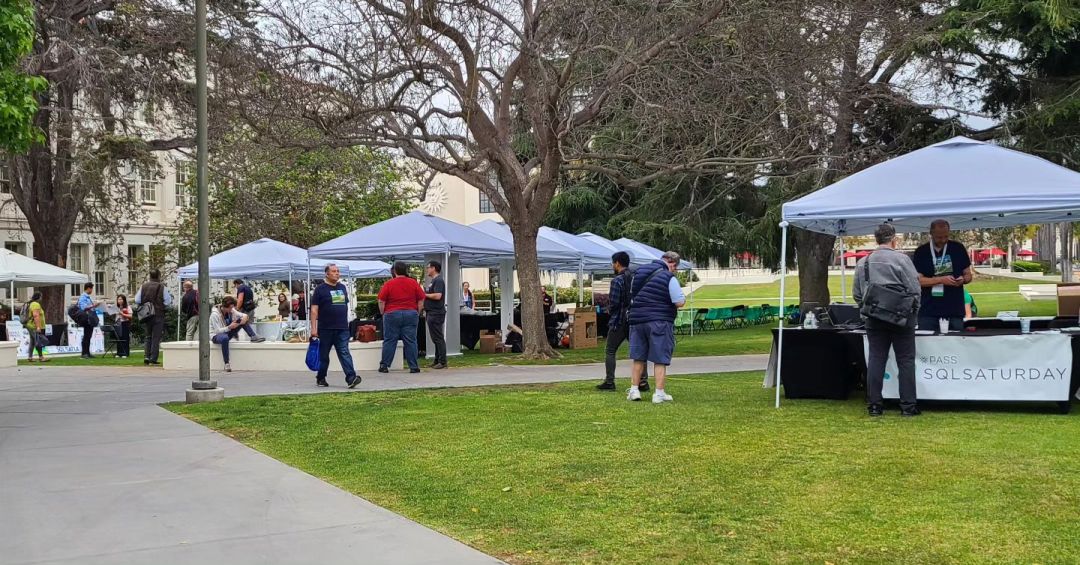
A few weeks ago (June 10, 2023) we had our 2nd EVER (after covid) in-person event and it’s time to talk about how it all happened. This blog post is going to talk about our original plan, what we were able to deliver, and what worked well vs. what needs improvement.
After our first in-person event (after covid), our goal was to rinse and repeat while trying to meet or beat our 300+ attendees in pre-covid days. We wanted to see more speakers, sponsors, and attendees. We wanted to see more enthusiasm for data, and we wanted to see greater outreach beyond our 78 attendees back in 2022.
Despite a late/slow start on March 2023, we got things together pretty quickly. Due to our past experience and the desire of teammates/volunteers to have another awesome event, we were ready in less than 2 months. After a total of 5 online meetings to prepare for the event and numerous emails/text messages/calls/messengers, we were ready to make it happen.

Running an in-person after covid and after the PASS demise
Since this was our second in-person after PASS’s demise, we already had most if not all tools lined up at our disposal to replicate and enhance our event experience. The Team behind sqlsaturday.com was excited and ready to help with YAML. The LMU Team was excited to have us back. We (aka the Team) were excited to forget about online meetings for a day and have a great in-person event.
Tools used during this event:
- Eventbrite.com for event registration
- Eventbrite Organizer mobile app to check in and register on the spot if needed
- Eventbrite.com to sell & process lunch tickets and credit card transactions
- Eventbrite.com event collection to promote both pre-conference and the main event
- Datadriventechnologies.org blog post to list all available sponsorship tiers
- Microsoft Form with QR code to enable sponsor sign-up
- Stripe.com to generate invoices for sponsors and process sponsorship fees
- Sessionize.com for speaker registration/schedule/session management
- Sqlsaturday.com for event listing
- Microsoft Forms with QR codes for event and session feedback
- Microsoft Forms with QR codes for event/sponsor raffle
- Microsoft Forms with QR codes for volunteer registration
- Sender.net to send email marketing campaigns
- Buffer.com for scheduling posts on Facebook, Twitter, and LinkedIn
- Planoly.com for scheduling posts on Instagram
Event stats:
- 100+ attendees with 200+ registered attendees
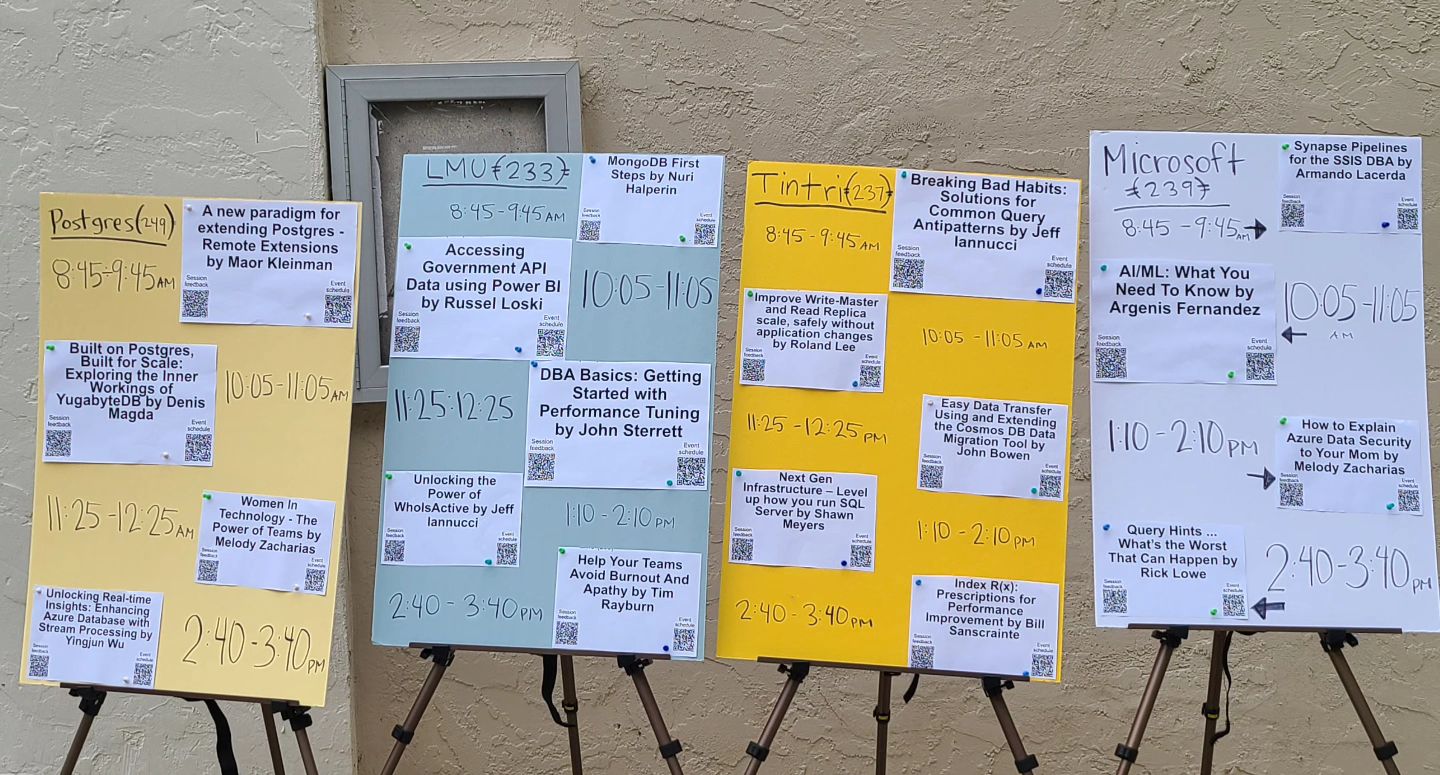
- 20+ speakers and 20 sessions (4 rooms x 5 sessions)
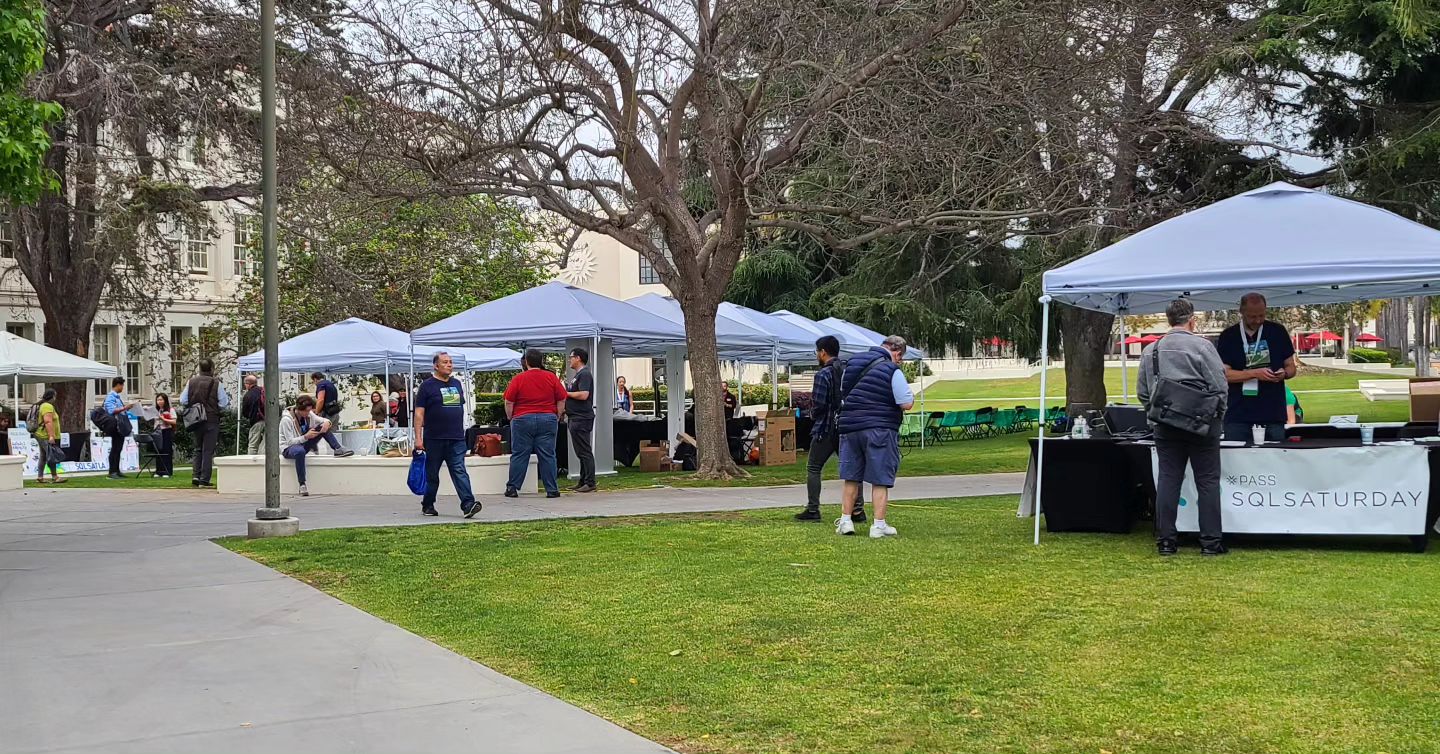
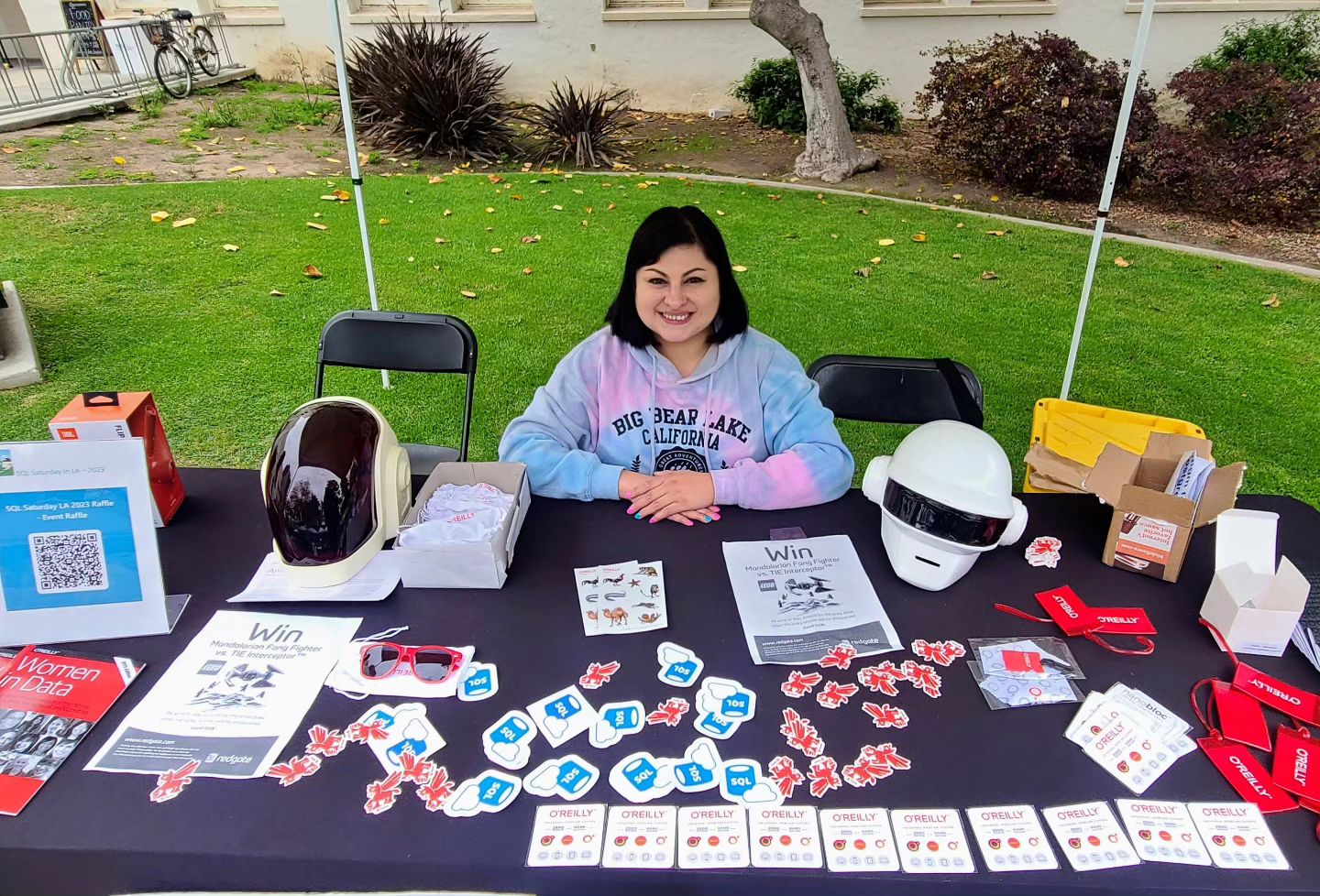
- 10+ paid sponsors (5 sponsor’s tables)
Things that we planned, but decided against
- Advertise using road billboards
- Record sessions and publish them on our YouTube channel
- Codecamp challenge
What worked great
- Speaker appreciation dinner at the Gulp Restaurant and Brew Pub in Playa Vista to facilitate flow and exchange of enthusiasm for data
- Pre-conference SQL Server Performance Tuning with Free Tools all-day training by John Sterrett
- Lunch group order for 20 people from Mendocino Farms
- Eventbrite Organizer phone app to register and check-in attendees
- 2 separate event tickets, one for free admission and one for a $15 lunch ticket
- Combined Social Media Booth with Keynote and Raffle
- Event raffle with a minimum paper trail
- Inclusion of raffle gift cards for each paid sponsorship
- Speaker gifts (something small, but valuable)
- Sessionsize-made social media banners to promote the event on social media
- Communication via Sender.net email campaigns
- Created session PPT template
- Guesstimated the right amount of food and beverages for breakfast and lunch
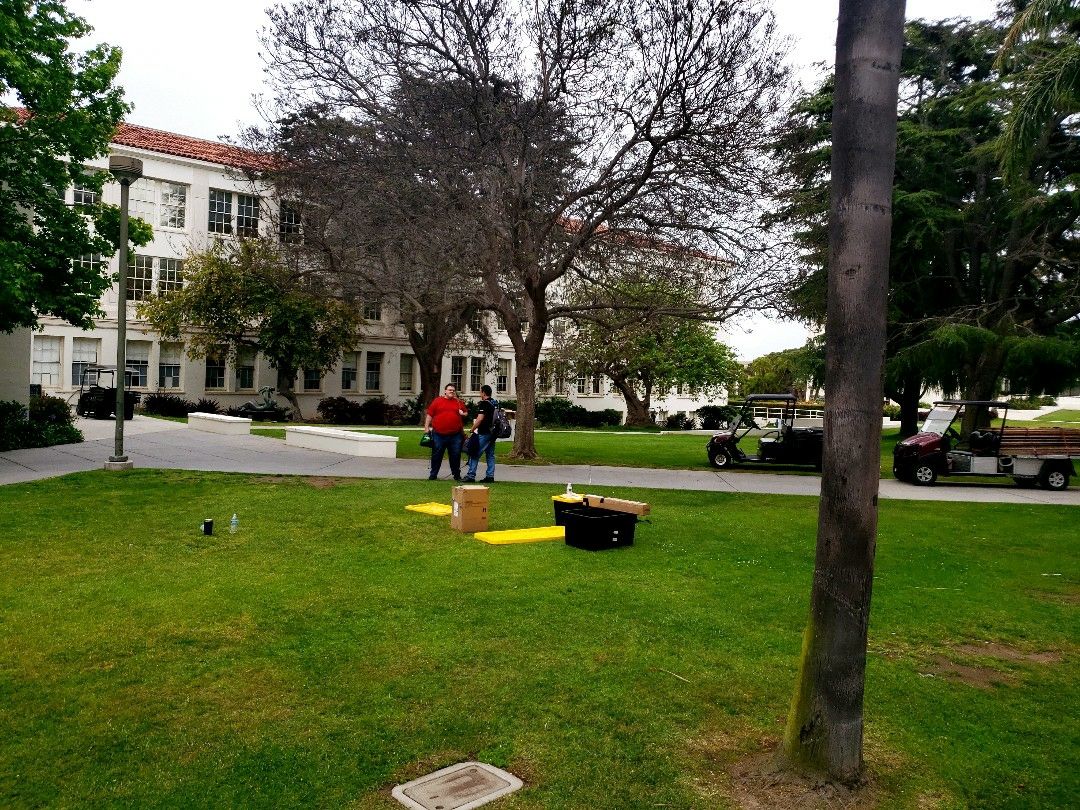
- Buying canopies instead of renting them out to save money
- Buying our own coffee/tea urns instead of renting them out to save money
- Printed event schedules as well as created large format event schedules (with session feedback and event schedule QR codes)
- Shared all the event printable stuff with an entire team
- Invited Postgres sessions with distributed database systems
- Scheduled a Women in Technology (“WIT”) session
- Recorded interviews with speakers/sponsors for our YouTube channel
- Recorded all event expenses and gains in Office 365
- Employed a group on WhatsApp mobile app to capture session attendance and photos
- Procured drawstring backpacks as attendee bags
Things to improve
- Find alternatives to Stripe credit card processing that currently charges extra for invoicing
- Revisit included gift cards and make changes to make them attractive and consistent
- Explore venue alternatives to St. Robert’s Building (“STR”)
- Change static QR codes to dynamic and print high-quality posters
- Check if Eventbrite allows conditional event tickets
- Improve raffle management, provide a list of sponsors and items to raffle, list of winners to raffle managers, note sponsor prizes
- Improve event attendance, with more speakers and sponsors
- Ask the LMU desktop support to check the room projector hookups
- Ask the LMU maintenance crew to make sure that A/C is working in all the session rooms
- Use a Group order option/feature for Lunch orders to have an exact amount of food with attached attendees’ names
- Make a QR code for LMU Guest WiFi
- Add more event signage

 Data Driven Technologies (DDT)